 Getting started
Open a fitted table or a linked chair to see the current game. Sitting at a free chair takes a seat; opening the table without a seat lets you watch.
Your turn
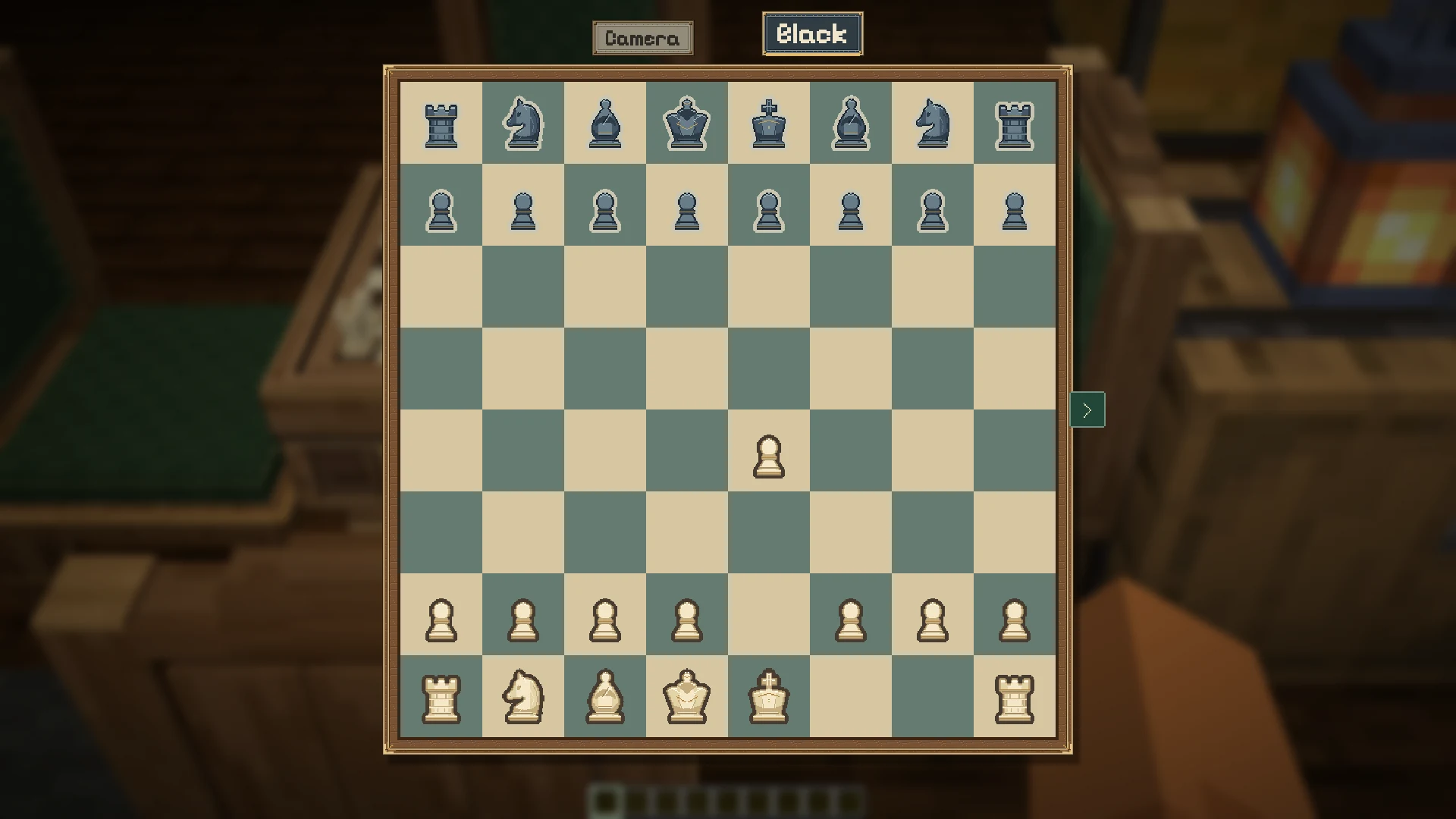
Section titled “Your turn”The name boxes highlight the active player. Pick a piece and a destination, play a card, or use the game’s turn buttons. Only the player whose turn it is can make a move.
The side tray
Section titled “The side tray”The arrow at the right opens the control tray. It contains How to play, seat controls, Play alone and actions such as starting a new game. The controls you need to finish your current turn stay available outside the tray.
Learn a game
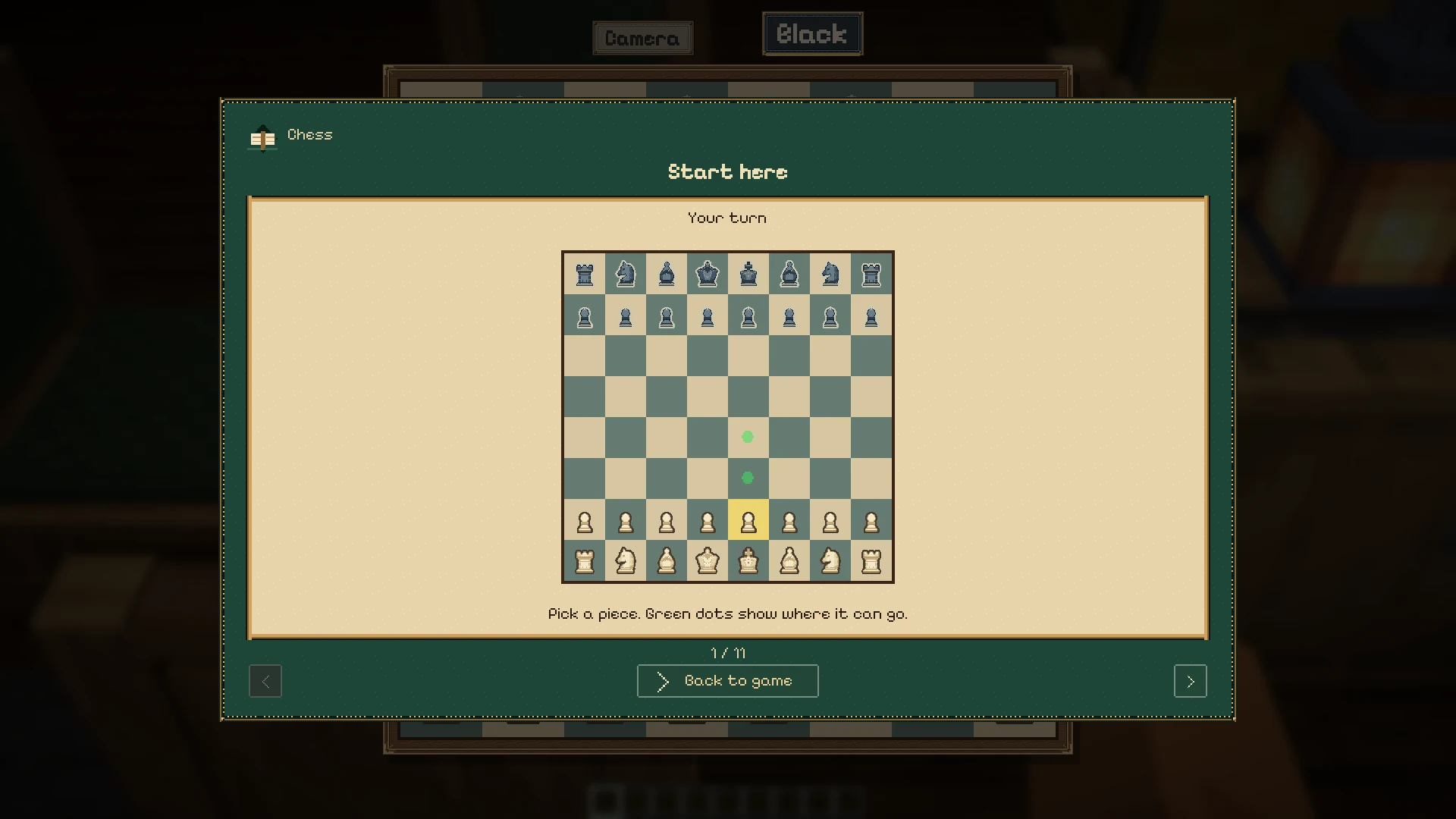
Section titled “Learn a game”Choose How to play for illustrated lessons about moves and scoring. The guide opens over the current game; Back to game returns you to it.
After a game
Section titled “After a game”The result panel offers Rematch and View board. Rematch begins another game on the same board for the seated players. View board lets you inspect the finished position.
Watching
Section titled “Watching”Spectators can see the public position on the table and open the screen. Private hands stay concealed. See seats and private hands for who controls each view.